Note
Versions 2.7.0 and above dropped support for A-Frame 1.4.2, please use the previous version 2.6.0 if you're still using A-Frame 1.4.2.
Include in <head>:
<script src="https://cdn.jsdelivr.net/npm/aframe-htmlmesh@2.7.0/build/aframe-html.min.js"></script>and in your <a-scene>:
<a-sphere color="black" radius="0.01" id="cursor" material="shader:flat" visible="false"></a-sphere>
<a-entity html="html:#my-interface;cursor:#cursor;" position="0 1.5 -0.5"></a-entity>
Instead of the jsdelivr cdn, you can also add it to your npm dependencies:
npm install aframe-htmlmesh
and use
import 'aframe-htmlmesh';Examples:
You can find on the A-Frame wiki the supported and not supported css features.
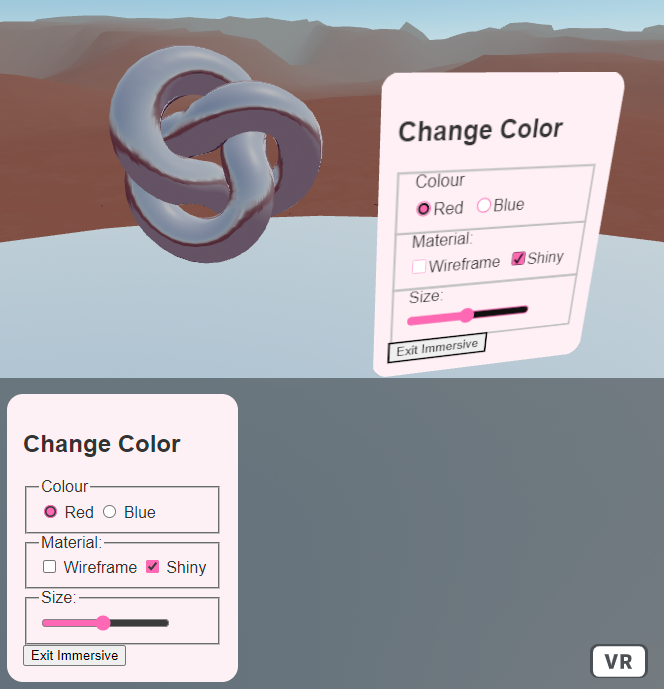
| Property | Type | Description | Default |
|---|---|---|---|
| html | selector | HTML element to use. | |
| cursor | selector | Visual indicator for where the user is currently pointing |